
Captive Audience
Installing Your On-Hold Player
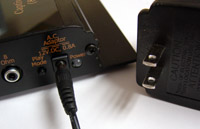
1: Plug in the power cable
Plug in the power module on your digital repeater.
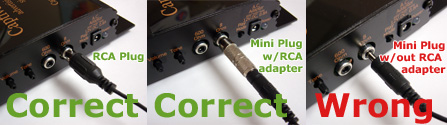
2: Plug an audio cable into the digital repeater
Note: If you need to use the mini-to-RCA- barrel adapter, make sure it is snapped on tight! The adapters we send have a very tight fit.
3: Plug the audio cable into the phone system
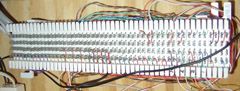
Use the music input on your phone system (MOH). Your central unit is usually located in a closet where the phone lines come in to the office.
If you see this, call your phone guy:
4: Insert the media
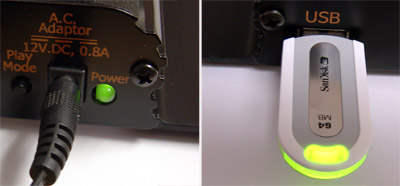
Insert the media that came with the on hold player. You should see green LED lights.
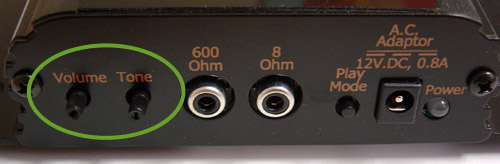
5: Adjust the volume
Call your office and place yourself on hold. Adjust the volume to a comfortable level.
Thank you!
We’ve received your message and you are now our top priority. Our team should be reaching out to you as we speak. If you need to contact us immediately, please call us at 800‑488‑2550.
We can’t wait to connect with you!